

Our Verdict
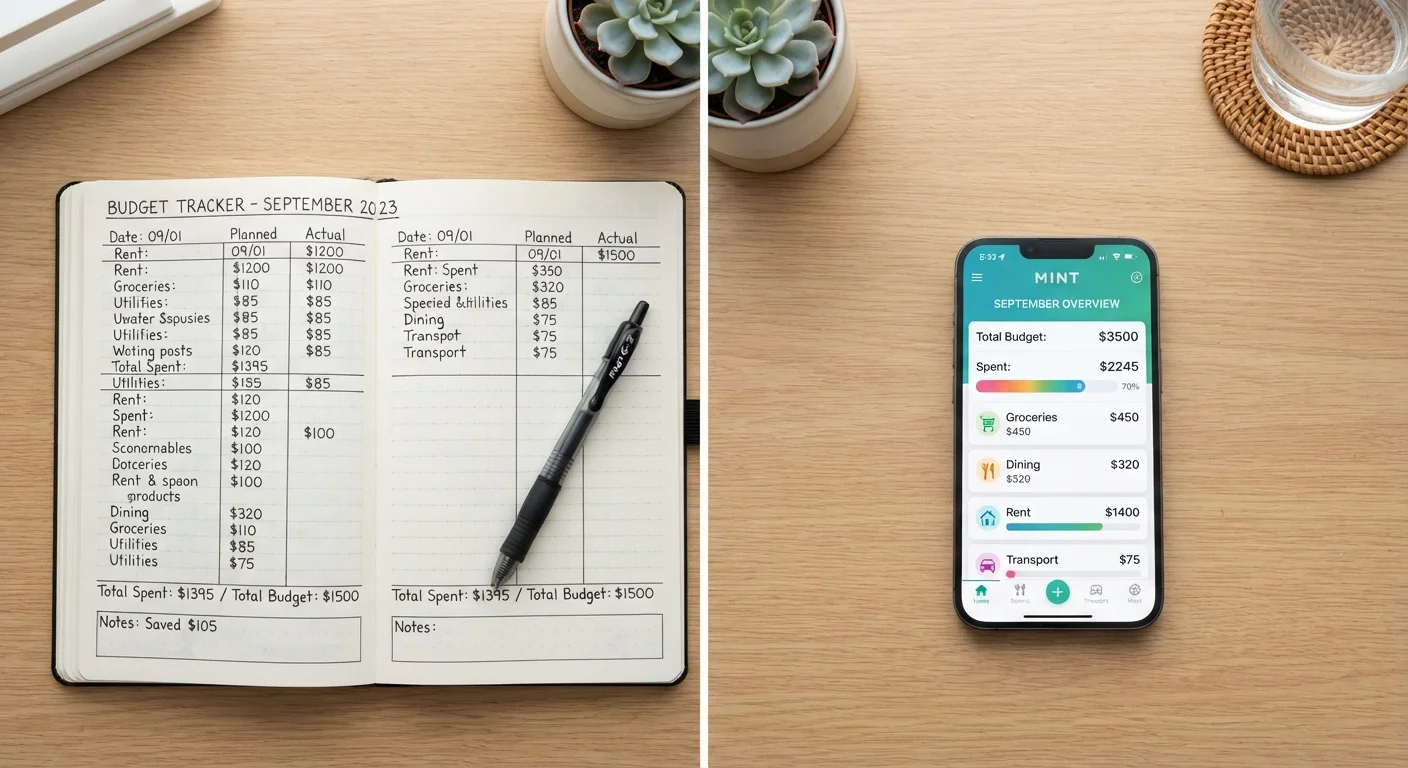
Manual tracking and automated syncing both give you a record of where your money goes. Manual tracking demands more time but tends to build stronger spending awareness. Automated syncing is faster and more complete, but it works only as well as your review habits behind it.
| Best for | Recommended |
|---|---|
| People who want to build conscious spending habits from scratch | Manual tracking |
| People with many accounts who need a consolidated view quickly | Automated syncing |
| Those who want detail plus efficiency | Hybrid: automated sync with manual review |
What each approach actually involves
Manual tracking means recording transactions yourself, whether in a spreadsheet, a notebook, or a budgeting app that does not connect to your bank. You enter amounts, categories, and dates by hand after each purchase or at the end of the day.
Automated syncing uses a budgeting tool that connects directly to your financial accounts through a secure data-sharing service. Transactions import automatically, often within hours of posting. You review and sometimes re-categorize what the app pulls in, but you do not type each entry.
Both approaches aim at the same outcome: a clear record of spending you can compare against your budget. The difference is in who does the data entry and when.
The case for manual tracking
The friction in manual tracking is, for many people, the point. Writing down a $14 lunch or a $60 impulse buy creates a moment of awareness that a background sync does not. Research in behavioral economics consistently finds that people who actively engage with financial information make more deliberate spending decisions, though individual results vary widely.
Manual tracking also works without any account connection, which matters for people who are cautious about sharing bank credentials with third-party apps. It works equally well for cash spending, which automated tools often miss entirely.
The main cost is time. Keeping a complete manual record requires daily or near-daily attention. Gaps accumulate quickly if you skip a few days, and reconstructing transactions from memory introduces errors.
Start with one week of manual tracking
Even if you plan to switch to automation, logging every transaction by hand for a single week gives you a baseline sense of where small purchases accumulate. Many people find that the act of writing down spending is more revealing than any report an app generates. You can move to automated syncing afterward with better categories already in mind.
The case for automated syncing
Automated syncing removes the entry burden and, as a result, tends to produce more complete records. When every debit, credit card charge, and transfer imports automatically, you are less likely to have blind spots in your spending history.
Speed is a real advantage. A quick review of auto-imported transactions each week takes far less time than building a manual ledger. For households juggling multiple accounts or shared finances, consolidation in one place reduces the chance of missing a category entirely.
The trade-off is dependency. If a bank connection breaks, transactions stop importing and you may not notice the gap. Auto-categorization is also imperfect; a grocery purchase at a store that also sells clothing may be miscategorized, and those errors compound if you review infrequently. A monthly budget checkup can catch drift before it becomes a problem.
| Manual tracking | Automated syncing | |
|---|---|---|
| Time required | High: daily entry needed | Low: review only |
| Spending awareness | High: entry creates mindfulness | Variable: depends on review habits |
| Completeness | Gaps likely without daily discipline | High if connections are stable |
| Cash transaction coverage | Full: you enter everything | Limited: cash rarely imports |
| Data privacy exposure | Low: no third-party access | Moderate: aggregator holds data |
| Error risk | Manual typos, missed entries | Miscategorization, broken syncs |
Privacy and security considerations
Automated syncing typically requires granting a third-party aggregator read access to your account data. Reputable services use encrypted connections and do not store your full credentials, but the arrangement does introduce another party into your financial data chain. Reading the privacy policy of any app before connecting accounts is worth the time.
Manual tracking carries no such dependency. Your data stays in your notebook or your own spreadsheet. The trade-off is that you are also the only backup.
Neither approach is inherently unsafe, but they carry different risk profiles. Your comfort with data sharing is a legitimate factor in choosing between them.
Combining both methods
A hybrid approach uses automated syncing for completeness and manual review for awareness. You let the app import transactions, then sit down weekly to read through each one, correct categories, and note anything that surprises you. The review step recreates some of the mindfulness of manual entry without requiring you to log every coffee purchase by hand.
This works well alongside a three-month spending audit when you want to understand your real patterns before building a budget. It also pairs naturally with a savings checkup to confirm that what you are not spending is actually moving toward a goal.
This article is for general informational purposes only and does not constitute personalized financial advice. For guidance specific to your situation, consult a qualified financial professional.