

Key Takeaways
- A permission grants ongoing access, not just one-time use, so the choice matters beyond the moment of the prompt.
- Contacts, location, and microphone are the three permissions most likely to affect your privacy in everyday app use.
- Both Android and iOS let you review and revoke any permission at any time through your phone's settings.
- Choosing 'while using the app' for location is almost always a safer option than 'always allow'.
- An app that works fine after you deny a permission probably did not need it in the first place.
App permissions
App permissions are requests an app makes to access specific parts of your phone, such as your contacts, camera, microphone, or location. Your phone's operating system gates these resources and asks you to approve or deny each request. When you grant a permission, the app can read or interact with that resource whenever it runs, unless you later revoke it.
On both Android and iOS, permissions are grouped into categories. Some are granted automatically (internet access), while others, called 'runtime permissions', require an explicit prompt each time a new app requests them.
Why the permission prompt matters more than it seems
When an app asks to access your location or read your contacts, it is easy to tap 'allow' and move on. That moment feels small, but the decision does not expire. The permission stays active every time the app runs, until you go into your settings and turn it off. Understanding what each category of access actually does is the first step toward making that tap deliberate rather than reflexive.
Your phone groups sensitive resources into named categories. The ones most people encounter, and most frequently misunderstand, are contacts, location, and microphone. Each involves a different kind of data, and each carries different implications depending on the app requesting it.
What contacts access actually does
When an app reads your contacts, it can see every name, phone number, email address, and sometimes mailing address or birthday stored in your address book. This data does not belong only to you; it belongs to everyone listed there. Granting contacts access to a social or messaging app typically means that information gets sent to the app's servers to match users or suggest connections.
That process is normal for apps built around communication. The question to ask is whether the app has a clear, stated reason to need your contacts. A navigation app or a game almost certainly does not. A phone-based messaging app reasonably might. If the privacy policy (see common data privacy terms explained) does not say how contact data is stored or whether it is shared with third parties, that is a signal worth paying attention to.
What location access actually does
Location is the most granular of the common permissions. A precise location reading, accurate to a few meters, tells an app where you are right now. Over time, a series of those readings creates a record of where you live, work, shop, and travel.
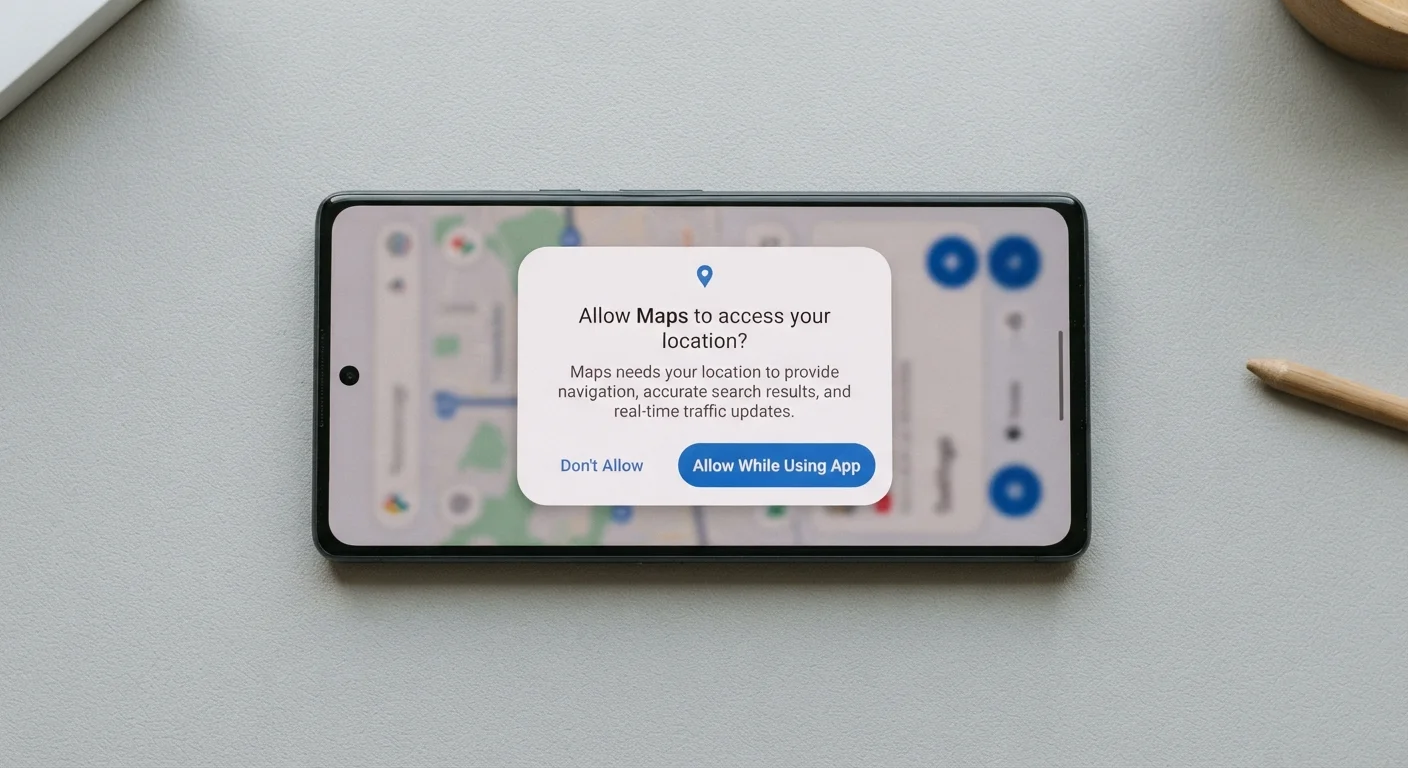
Both Android and iOS give you three options when an app requests location: deny, allow only while using the app, or allow always. 'Always allow' means the app can check your location even when you are not actively using it. For most apps, including weather, food delivery, and ride-hailing, 'while using' is sufficient and gives the app everything it needs to function. Apps that genuinely require background location, such as certain fitness trackers or family-safety tools, will tell you why.
Check permissions for apps you rarely open
Apps you downloaded once and rarely use can still hold active permissions. A periodic review of your phone's permission manager, every few months, lets you revoke access from apps that no longer need it. This is one of the simplest steps for reducing background data collection.
Health and fitness apps that log location data are worth thinking about carefully. For more on what you gain and what you share when apps monitor your activity, see the trade-offs of tracking your health data.
What microphone access actually does
A microphone permission lets an app record audio through your phone. For voice-call apps, video conferencing tools, or voice search, this is straightforward and expected. The concern arises when apps that have no obvious audio function request it, or when you forget you granted it months ago.
Your phone's operating system on both iOS and Android shows a visible indicator (a small dot or icon) when the microphone is actively in use. If you see that indicator while an app is running in the background, it is worth checking whether you intended to allow that access.
Revoking microphone access from apps you no longer use costs nothing. Go to your phone's privacy settings, find the microphone category, and toggle off any app that no longer needs it. The room-by-room privacy settings walkthrough shows exactly where to find these controls on both major platforms.
A practical approach to permission requests
When a new app asks for a permission, three questions help frame the decision. Does the feature I am about to use actually require this access? Does the app's stated purpose match the permission it is asking for? And is there a more limited option available, such as 'while using' instead of 'always'?
Denying a permission at first use is always reversible. If the app needs the access to work, it will typically explain why and give you another chance to grant it. Apps that stop working entirely after a denial, without explanation, are worth reconsidering.
Doing a periodic review of all your app permissions, not just the ones you notice at installation, is a straightforward habit. Your phone's permission manager lists every app that holds access to each category, and revoking access takes one tap. This is especially useful for apps you downloaded for a one-time purpose and have not opened since.