

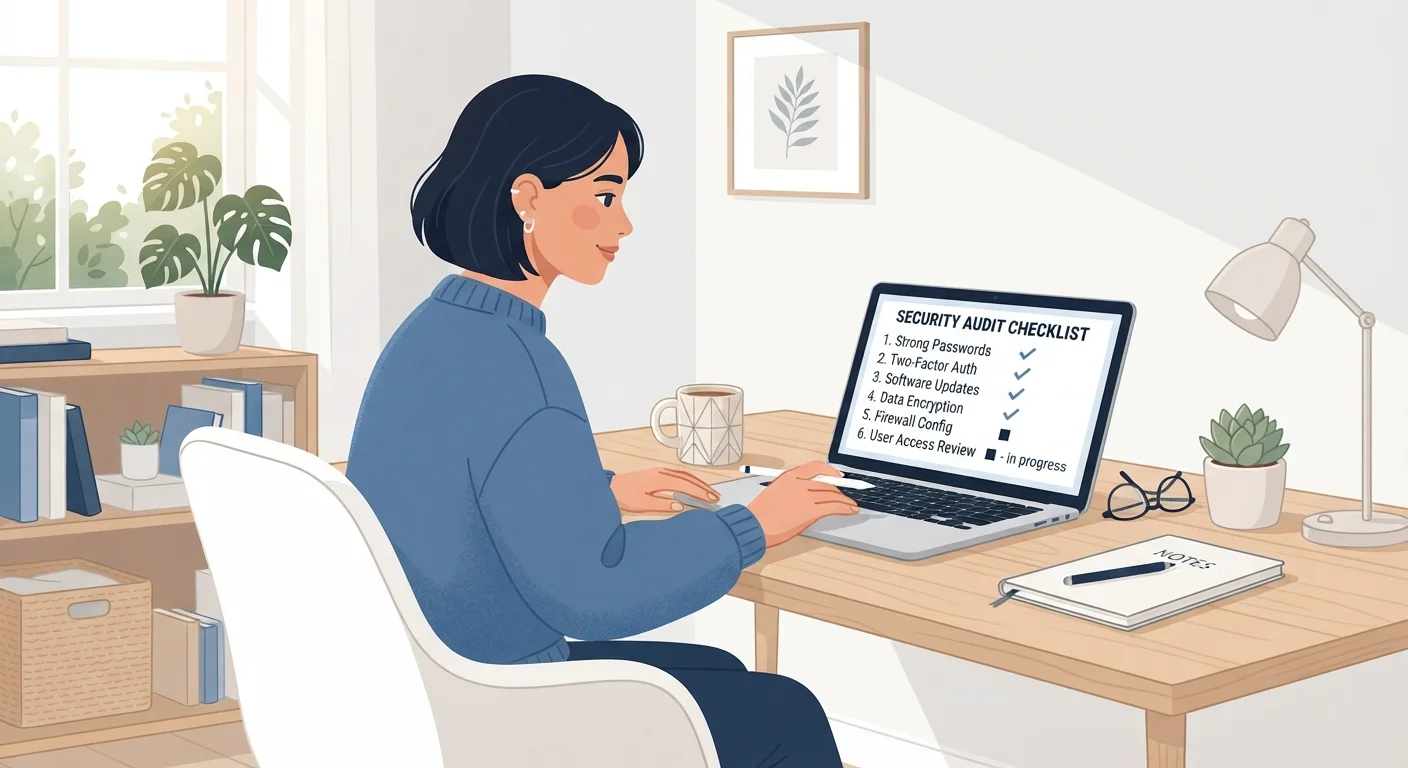
Key Takeaways
- Reusing passwords across accounts is one of the most common reasons accounts get compromised.
- Two-factor authentication blocks most automated login attempts even when a password is exposed.
- Connected third-party apps can retain access to your accounts long after you stop using them.
- Reviewing recent account activity helps catch unauthorized access before damage spreads.
- Recovery options like backup email and phone number are often outdated and need periodic checks.
Summary
18 items · 30 to 60 minutes
Why a periodic security audit matters
Most people set up an account once and never revisit its security settings. That gap matters. Passwords get exposed in data breaches. Recovery phone numbers go stale. Apps you authorized years ago still have access to your data. A security audit is a structured way to close those gaps before someone else finds them.
This checklist covers the accounts that carry the most risk if compromised: email, financial accounts, social media, and any account tied to payment methods. Work through each section at your own pace. You do not need to complete everything in one sitting, but finishing the full audit within a week gives you a consistent baseline to build from.
For broader context on why even complex passwords sometimes fail, see why strong passwords still get compromised.
What you will need
Before you start, gather a few things to make the process faster.
Password manager
Generates and stores strong, unique passwords so you can replace reused or weak ones during the audit.
Authentication app
Replaces SMS-based two-factor codes with more secure time-based codes during the 2FA section.
Breach check service (e.g., Have I Been Pwned)
Checks whether your email address appears in publicly known data breach databases.
Pen and paper or a secure notes app
Records backup codes and tracks which accounts you have already reviewed.
The audit checklist
Work through each group in order. Items marked must address the highest-risk gaps. Items marked should are strongly worth doing. Items marked nice to have add an extra layer but are optional.
Passwords
Two-factor authentication
Recovery options
Connected apps and permissions
Account activity review
Social media privacy
Start with your email account
Your email account controls password resets for nearly every other service you use. If it is compromised, an attacker can reset access to your bank, social media, and shopping accounts. Prioritize securing it with a strong unique password and two-factor authentication before moving to any other account on this list.
After the audit
Once you finish, note the date. A good target is to repeat this audit every six months, or immediately after any account shows suspicious activity or appears in a breach notification.
Building consistent habits between audits reduces how much work each review requires. The article digital security habits worth building from the start covers the day-to-day practices that keep your accounts in better shape over time.
If any of your accounts involve financial data, this audit pairs well with a broader review of your financial standing. A savings checkup checklist walks through a similar periodic review approach for your financial accounts.