

Key Takeaways
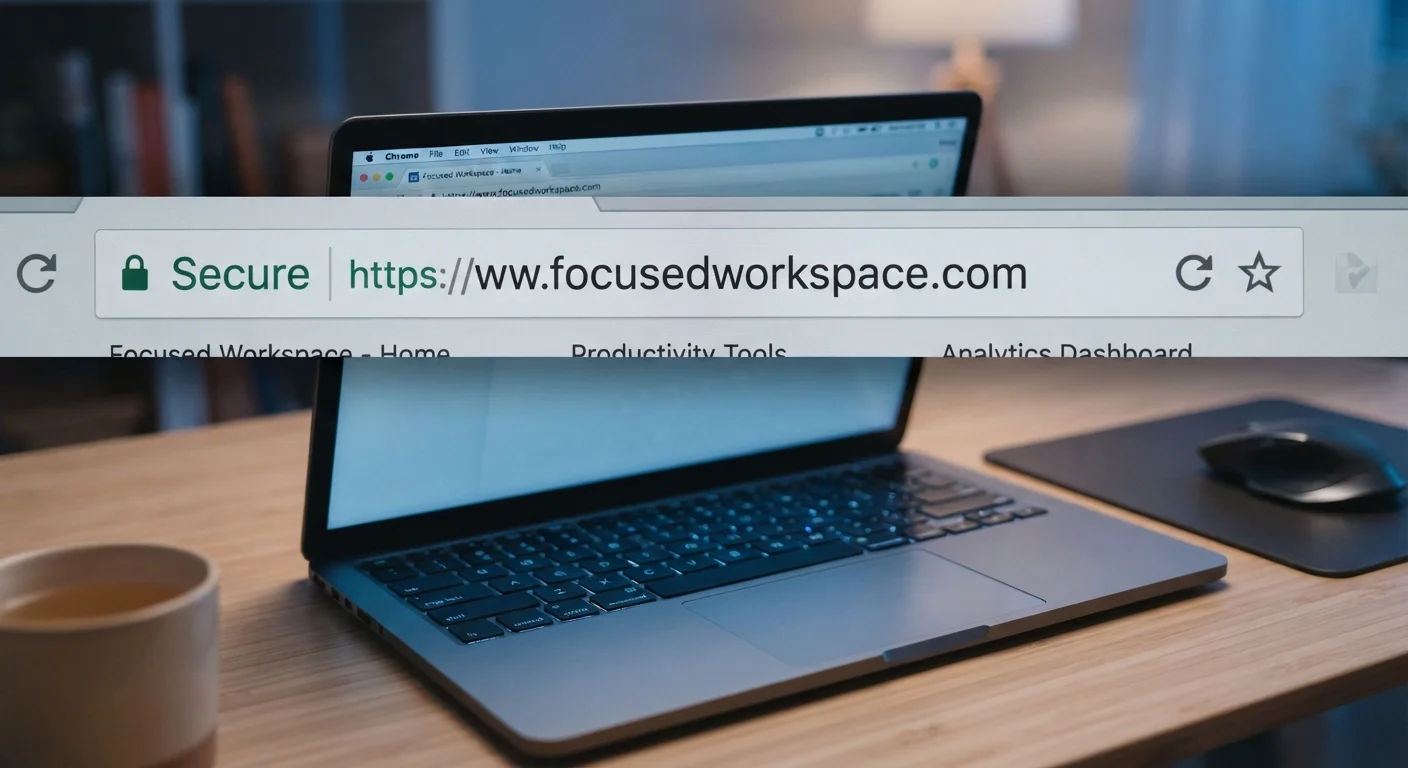
- HTTPS encrypts data in transit, but it does not prove a site is legitimate or honest.
- Scammers can obtain padlock icons and privacy policies, so no single signal is enough on its own.
- Misspelled domain names and recently registered URLs are two of the most reliable red flags.
- A site's contact information, return policy, and third-party reputation scores add useful context.
- Combining several checks gives you a far more reliable read than relying on any one indicator.
Why one green padlock is not enough
Many people learned a simple rule: look for the padlock and the HTTPS in the address bar. That rule was useful when it was new, but it no longer holds on its own. HTTPS tells you that data traveling between your browser and the server is encrypted in transit. It says nothing about who owns the server or what they plan to do with your information once it arrives.
Phishing sites routinely carry valid HTTPS certificates. A 2021 analysis by the Anti-Phishing Working Group found that more than 80 percent of phishing sites already used HTTPS, a share that has continued to grow. That means a padlock can coexist with a site designed to steal your login credentials or payment details.
The good news is that a few additional checks, taken together, give you a much clearer picture. The list below covers the signals worth reading, including which ones fraudsters can replicate and which ones are harder to fake. For a broader grounding in online safety, see the complete guide to staying safe online.
Use a password manager as a quiet safety net
Password managers autofill credentials only on the exact domain they were saved for. If you land on a lookalike phishing site and your password manager does not offer to fill in your details, that silence is itself a warning. It means the domain does not match any site you have actually logged into before.
Signals that help you judge a site's trustworthiness
Check the domain name character by character
Before anything else, read the domain in the address bar slowly. Scammers register domains that look nearly identical to real ones: "paypa1.com" instead of "paypal.com", or "amazon-secure-login.com" instead of "amazon.com". This technique is called typosquatting, and it works because people scan rather than read.
The legitimate domain of any company is the shortest form before the first single slash. Everything to the left of that can be subdomains; everything after the slash is a path. So "login.bank.com" is a subdomain of "bank.com", while "bank.com.login.phish.net" is actually a subdomain of "phish.net".
Read the domain character by character: one transposed letter is all a scammer needs.
Look up when the domain was registered
A free WHOIS lookup (available through tools such as ICANN's lookup tool at lookup.icann.org) shows when a domain was first registered. If a site claims to be an established retailer or financial institution but the domain is only weeks old, that gap is worth taking seriously.
Newly registered domains are not automatically suspicious; every legitimate business was new once. But combined with other warning signs, a registration date from the past month is a meaningful data point.
A site claiming years of history but registered last month deserves extra scrutiny.
Search for the site's reputation before you engage
Paste the domain into a search engine alongside words like "scam", "review", or "complaint". Consumer protection forums and sites such as the Better Business Bureau's Scam Tracker or the FTC's ReportFraud.ftc.gov database collect reports from people who have already encountered a problem.
You can also use Google's Safe Browsing transparency report (safebrowsing.google.com/safebrowsing/report_overview/) to check whether a URL has been flagged for malware or phishing. This check takes about thirty seconds and covers a lot of ground quickly.
Thirty seconds of searching can surface complaints that save you from a costly mistake.
Verify that contact information is real and reachable
A trustworthy site includes a physical address, a working phone number, or both. Copy the address into a mapping tool and confirm it corresponds to a real location. Call the phone number during business hours and check whether someone answers or whether the voicemail matches the company name.
Sites that list only a contact form and no other means of reaching them offer you no recourse if something goes wrong. That is a structural weakness, not just a stylistic choice.
A real address you can verify on a map is harder to fake than a logo or a padlock.
Read the privacy policy for what it actually says
Scammers can copy a privacy policy template in minutes, so the presence of one is not a trust signal. What matters is what it says. A policy should name the organization, explain what data is collected, describe how it is used, and state whether it is sold to third parties.
Vague language like "we may share your information with partners" without naming those partners should prompt caution. If the policy is dated several years ago and mentions services the site does not appear to offer, it was probably copied from somewhere else.
For more context on how data practices affect your privacy, the article on online privacy myths covers several common misunderstandings about what policies and settings actually protect.
A privacy policy only matters if it names the organization and explains data use clearly.
Confirm the site has a coherent return or cancellation policy
For any transaction involving payment, look for a clearly stated return, refund, or cancellation policy before you enter card details. Legitimate merchants describe the process in plain terms. If a shopping site has no return policy, or buries one in language that makes refunds effectively impossible, that reflects how disputes will be handled.
The Consumer Financial Protection Bureau advises that you understand your rights before a purchase rather than trying to assert them after a problem arises.
No return policy is not just an inconvenience: it tells you how disputes will be handled.
Use your browser's built-in security warnings
Modern browsers (Chrome, Firefox, Safari, Edge) display a "Not Secure" label or a warning page when a site lacks a valid certificate or when the certificate has expired. These warnings are worth heeding. Dismissing them to proceed anyway bypasses a protection that exists for a reason.
Some browsers also flag sites that have been reported for deceptive content. If you see a full-page warning rather than just an address bar indicator, that represents a stronger signal that something is wrong with the site.
A full-page browser warning is a stronger signal than a padlock: do not dismiss it.
Putting it all together
None of these signals is definitive alone. A legitimate small business might have a sparse website and a recently registered domain. A well-designed scam site might pass several checks. The goal is to weigh multiple indicators at once.
If you are about to enter a Social Security number, credit card details, or medical information, treat that moment as a reason to slow down and run through at least four or five of the checks above. If anything feels off, go directly to the organization's verified contact page rather than using links on the page in question.
For specific tactics scammers use to rush those decisions, the article on how scammers exploit urgency explains the pressure patterns to watch for. Building consistent habits around these checks is covered in digital security habits worth building from the start.