

| 1 Gbps equals | 1,000 Mbps |
| Bits per byte | 8 |
| Typical asymmetric upload ratio | 5:1 to 20:1 (download:upload) (Common across cable and DSL plans) |
| FCC broadband minimum definition | 25 Mbps download / 3 Mbps upload (FCC, updated to 100/20 Mbps in 2024) |
| 4K stream bandwidth | 15 to 25 Mbps per stream (Netflix, YouTube published specs) |
| Wired vs. Wi-Fi gap | Ethernet typically delivers 10 to 30% more speed (Varies by router and distance) |
What Mbps and Gbps actually mean
Internet speeds are measured in bits per second. A megabit per second (Mbps) is one million bits per second. A gigabit per second (Gbps) is one billion bits per second, or 1,000 Mbps. These are units of transfer rate, not file size.
The file-size unit you likely know is the byte (MB, GB). One byte equals eight bits. So a 100 Mbps connection transfers 100 megabits, or about 12.5 megabytes, every second. When a download progress bar shows megabytes per second, your browser is dividing the bit rate by eight. That math explains why a file that should "only take seconds" at advertised speeds sometimes feels slower than expected.
Internet service providers advertise speeds in Mbps or Gbps because those numbers read larger. A 1 Gbps plan sounds more impressive than "125 MB/s," even though both describe the same rate.
| 1 Gbps equals | 1,000 Mbps |
| Bits per byte | 8 |
| Typical asymmetric upload ratio | 5:1 to 20:1 (download:upload) (Common across cable and DSL plans) |
| FCC broadband minimum definition | 25 Mbps download / 3 Mbps upload (FCC, updated to 100/20 Mbps in 2024) |
| 4K stream bandwidth | 15 to 25 Mbps per stream (Netflix, YouTube published specs) |
| Wired vs. Wi-Fi gap | Ethernet typically delivers 10 to 30% more speed (Varies by router and distance) |
Download vs. upload: why they differ
Download speed covers data coming to your device: loading a webpage, streaming video, receiving a file. Upload speed covers data going out: sending an email attachment, video calling, backing up photos to the cloud, or live streaming.
Most residential plans are asymmetric, meaning download speed is much higher than upload speed. A plan advertised as "200 Mbps" often delivers 200 Mbps download and somewhere between 10 and 20 Mbps upload. Providers structure plans this way because most household traffic historically flows inbound.
Upload speed matters more than it once did. Video calls send a continuous outbound stream, remote work tools transfer files constantly, and cloud backup runs in the background. If uploads feel slow, check your plan's upload spec, not just the download number. Your plan's full spec sheet lists both figures.
Symmetric connections, where upload and download speeds match, are common on fiber plans. Cable, DSL, and fixed wireless tend to be asymmetric by design.
How much speed different activities actually need
Speed requirements vary by activity and by how many devices run simultaneously.
Mbps
Megabits per second. A unit of data transfer rate equal to one million bits per second. Most home internet plans are rated in Mbps.
Gbps
Gigabits per second. Equal to 1,000 Mbps. Common for fiber plans and commercial connections.
Asymmetric connection
An internet connection where download and upload speeds differ, typically with download much higher. Most cable and DSL plans are asymmetric.
Throughput
The actual data transfer rate your connection delivers in practice, as opposed to the maximum advertised speed. Real-world throughput is usually lower than the advertised ceiling.
Bandwidth
The maximum capacity of a connection to carry data, measured in Mbps or Gbps. More bandwidth allows more simultaneous data streams without slowdown.
- Standard definition (SD) video streaming: about 3 Mbps per stream
- HD video streaming (1080p): about 5 to 8 Mbps per stream
- 4K video streaming: 15 to 25 Mbps per stream, depending on the platform
- Video calls (one participant): 1 to 4 Mbps upload and download
- Online gaming: typically 3 to 6 Mbps download; latency matters more than raw speed here (see what latency means for gamers)
- Large file downloads (software updates, game installs): higher speed shortens wait time linearly; 100 Mbps downloads a 1 GB file in about 80 seconds, 500 Mbps in about 16 seconds
Multiply per-activity needs by the number of simultaneous users. A household with four people streaming 4K at once needs roughly 80 to 100 Mbps of sustained download capacity before accounting for anything else running in the background.
Advertised speed vs. what you get
Providers advertise "up to" speeds. Actual throughput depends on network congestion, the quality of wiring inside your home, Wi-Fi interference, and hardware limitations on your router or modem.
Wi-Fi speed is separate from your internet connection speed. An older Wi-Fi 4 (802.11n) router may cap wireless throughput well below a gigabit plan's potential. Wired (Ethernet) connections almost always deliver speeds closer to the plan maximum.
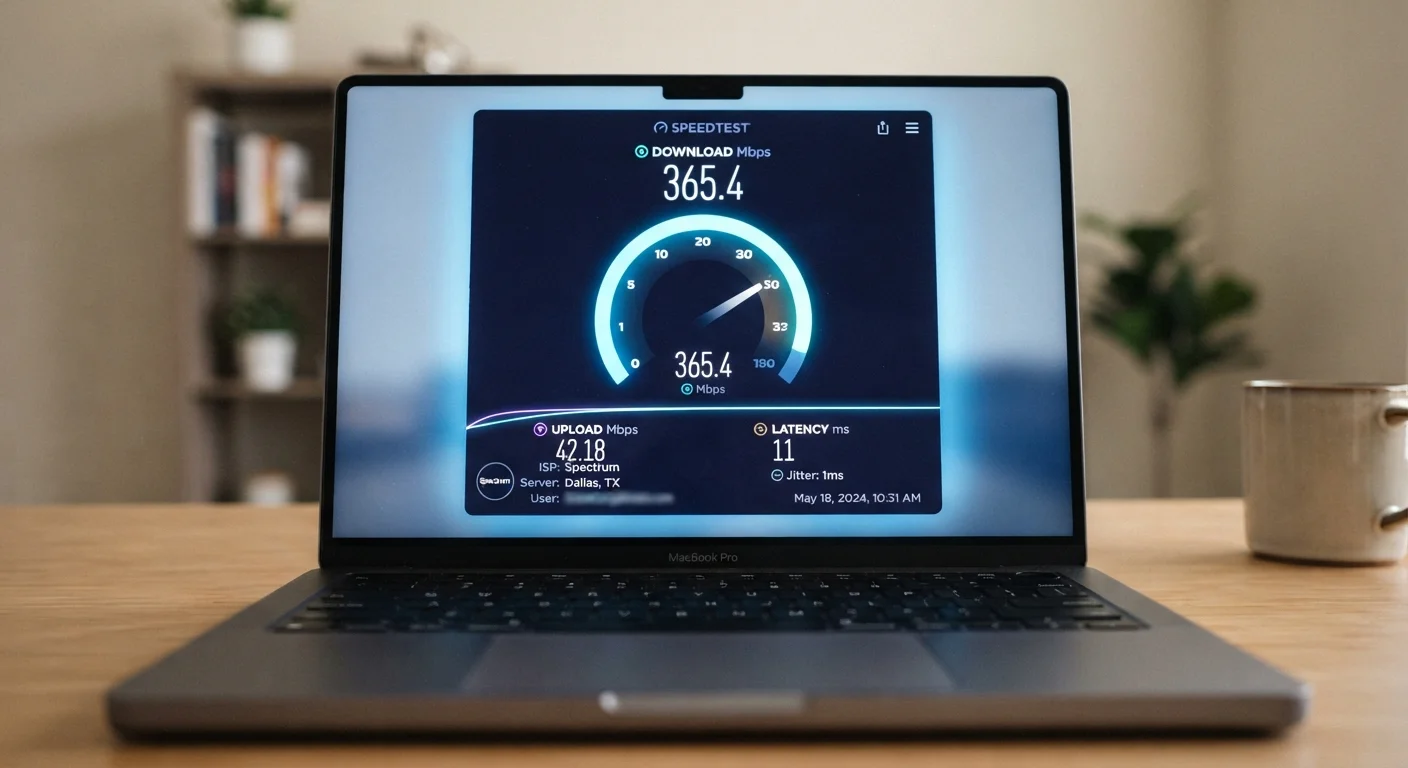
Run a speed test at speedtest.net or fast.com while connected by Ethernet to get a clean baseline. Then test over Wi-Fi from the same location to see how much your router or distance from the access point reduces throughput. If the Ethernet result is well below your plan's advertised speed, contact your provider. If only the Wi-Fi result is low, the bottleneck is inside your home.
5G home internet introduces an additional variable: signal strength from the cell tower affects peak speeds in ways a wired connection does not.
This article is for general informational purposes only. Speed requirements listed here are approximate figures drawn from publicly available platform documentation and may change.