

Our Verdict
No single connection type wins for every household. Fiber is the most capable where it exists. Cable covers a large share of the US and handles most home workloads reliably. DSL works for light users but struggles under heavier demand. Fixed wireless fills a real gap in areas where cable and fiber lines have not been built.
| Best for | Recommended |
|---|---|
| Households with heavy streaming, gaming, or remote work needs | Fiber |
| Urban and suburban homes without fiber access | Cable |
| Rural homes without wired broadband options | Fixed wireless |
| Light users in areas where only one option is available | DSL |
What sets each connection type apart
Your internet signal can reach your home through several different physical paths, and each one has trade-offs in speed, reliability, and coverage. Understanding the basics of each type helps you read a plan description accurately and ask the right questions when shopping or troubleshooting.
For a plain-language breakdown of the terms that appear on most plans, such as bandwidth and latency, see what your internet plan actually includes.
| DSL | Cable | Fiber | Fixed wireless | |
|---|---|---|---|---|
| Typical download speed range | 1-100 Mbps | 100 Mbps-1 Gbps+ | 100 Mbps-2 Gbps+ | 25-300 Mbps |
| Upload speed | Low, asymmetric | Low to moderate, asymmetric | High, often symmetric | Moderate, varies |
| Latency | Moderate | Low to moderate | Very low | Moderate, can vary |
| Susceptibility to congestion | Low | Moderate in dense areas | Low | Moderate, tower-dependent |
| Rural availability | Broad | Limited | Very limited | Growing |
| Infrastructure required at home | Phone line | Coax outlet | Fiber drop | Rooftop or exterior antenna |
| Weather sensitivity | Low | Low | Low | Moderate |
DSL: phone lines doing double duty
DSL runs over the same copper telephone wires that have been in the ground for decades. Because those lines are already in place across much of the country, DSL reaches many rural and older suburban areas where newer infrastructure has not been built.
The main constraint is distance. Signal quality weakens the farther your home sits from the provider's local equipment, which means actual speeds can be well below the plan's advertised ceiling. Download speeds on DSL plans commonly range from a few megabits per second up to around 100 Mbps depending on line quality, but upload speeds are typically much lower. For a household that mostly browses and streams standard video on one or two devices, DSL can be adequate. It struggles with multiple simultaneous streams, large file uploads, or video conferencing at higher quality.
Cable: the coaxial network
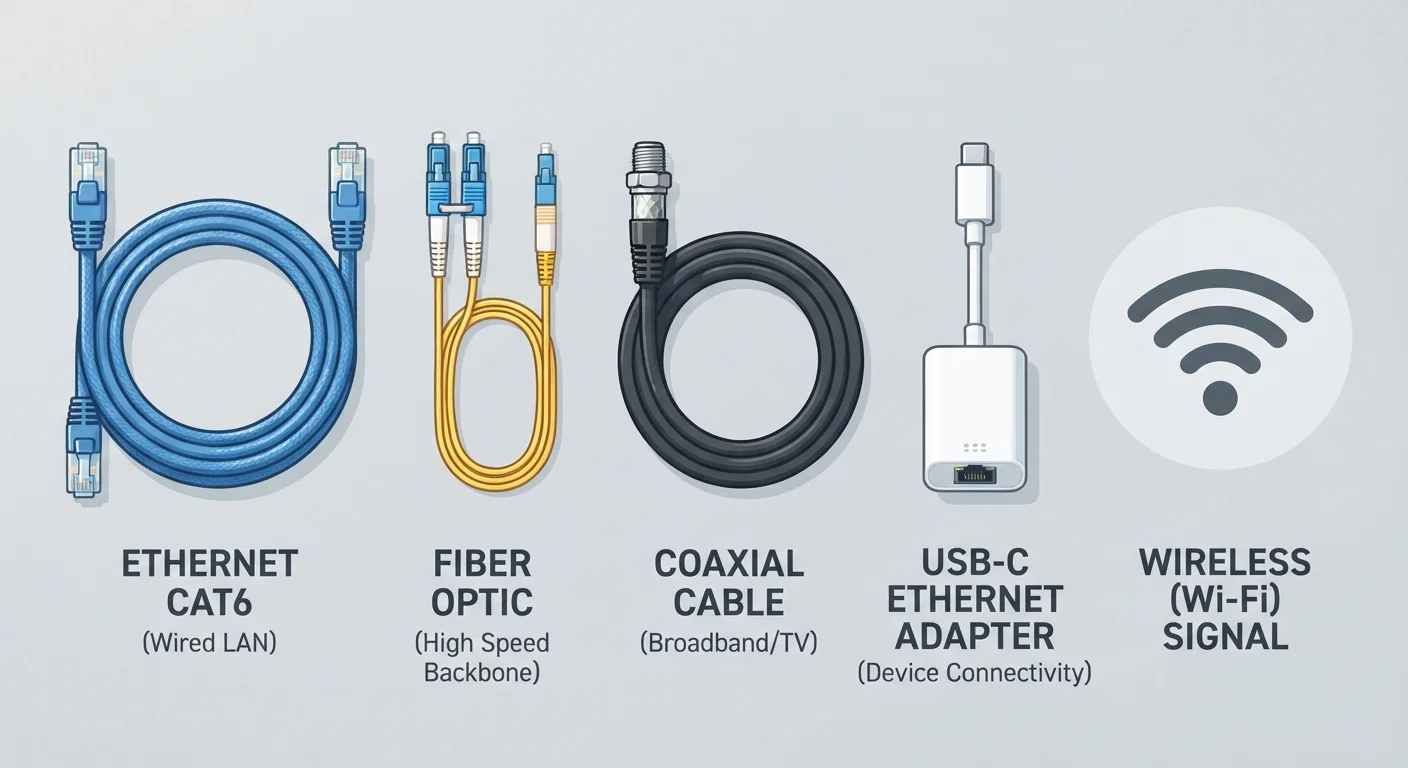
Cable internet travels over coaxial cable, the same physical infrastructure originally built for television service. It covers a large portion of urban and suburban addresses in the US and generally delivers faster speeds than DSL.
Download speeds on cable plans frequently range from around 100 Mbps into the hundreds, and some providers now offer gigabit-class service over upgraded cable infrastructure. The gap between download and upload speed is a persistent characteristic of older cable technology: upload capacity has historically lagged well behind download. Newer cable standards (sometimes labeled DOCSIS 3.1 or higher) have improved upload performance, but symmetrical speeds, meaning equal upload and download, are still uncommon on cable. Congestion during peak evening hours can reduce real-world speeds in densely populated areas because neighbors share segments of the same network.
If you work from home or make frequent video calls, understanding upload and download figures before committing to a plan is worth the time.
Fiber: glass and light
Fiber-optic internet sends data as pulses of light through thin glass or plastic strands. It does not share the distance limitations of copper wire, and its capacity is substantially higher than coaxial or telephone cable. Fiber plans frequently offer symmetrical speeds, meaning what you get for downloading files is the same as what you get for uploading them, which matters a great deal for video calls, cloud backups, and shared household workloads.
The practical barrier is availability. Fiber requires new physical infrastructure, and construction is expensive and slow. Coverage is concentrated in cities and growing suburbs; many rural and lower-density areas are still waiting. Where fiber is available, it tends to show fewer slowdowns during peak hours because the network is less susceptible to congestion in the way shared cable segments can be.
Fixed wireless: a tower-to-home signal
Fixed wireless access delivers internet via a radio signal transmitted from a cell tower or dedicated transmitter to a small receiver antenna installed at your home. No physical cable runs to the house. This makes it viable in areas where burying or stringing wire would be too costly.
Performance varies with distance from the tower, terrain, and how many users share the same transmission point. Speeds on fixed wireless plans have improved considerably as providers have deployed newer radio equipment, and many plans now advertise 25 Mbps to 100 Mbps or higher. Weather and physical obstructions such as dense tree cover can affect signal quality. Data caps and congestion policies vary by provider, so reading plan terms carefully matters.
Ask about the antenna installation process
Fixed wireless requires a receiver mounted on your roof or exterior wall, usually aimed at a specific tower. Before signing up, ask whether installation is included in the setup fee, who owns the equipment, and what happens to it if you cancel. Some providers charge for removal.
Fixed wireless is a different technology from 5G home internet, though they are sometimes confused. For a comparison of 5G home service against traditional wired options, see how 5G home internet compares in practice. If your location has no wired or wireless terrestrial option at all, satellite internet is a separate category with its own performance profile.
How to figure out what you can actually get
Availability is the first filter. A connection type you cannot get at your address is not a choice. Most providers have address-lookup tools on their websites, and the FCC's Broadband Map is a publicly available resource for checking which technologies are reported as available at a given location, though its accuracy depends on provider-reported data and may not reflect every gap.
Once you know what is available, compare the upload speed, any data cap, and contract terms alongside the download speed. Many households now upload far more than they did five years ago. Reviewing the line items on your bill before signing also helps you avoid fees that do not appear in the headline price. After you have a connection installed, router placement and home network setup affect how well that signal reaches every room. See how to place your router for the strongest signal for practical guidance on that step.