

Key Takeaways
- 5G home internet uses the same cellular network as your phone, delivered through a gateway device with no technician visit required.
- Traditional broadband (cable or fiber) generally offers more consistent speeds and lower latency under load.
- 5G home internet availability depends heavily on local tower density and signal strength at your specific address.
- Data caps and network management policies differ between providers and connection types, so reading the plan terms matters.
- Neither option is universally better; the right choice depends on what is available at your address and how your household uses the internet.
Option A
5G home internet
A wireless home broadband option delivered over cellular networks.
Best for: Renters, people in areas with strong 5G signal, or households that want a simpler setup without running cables.
Option B
Traditional broadband (cable or fiber)
The wired connection that has powered home internet for decades.
Best for: Households that need consistent, high-capacity internet for remote work, gaming, or multiple heavy users at once.
If you want fast setup with no installation appointment
5G home internet
Most 5G home internet services ship a self-install gateway to your door. You plug it in, position it near a window for the best signal, and connect your devices through Wi-Fi.
If your household has several people streaming, working, or gaming at the same time
Traditional broadband (cable or fiber)
Wired connections handle sustained, simultaneous demand more predictably than a shared cellular signal, especially during peak hours.
If you live in an apartment or move frequently
5G home internet
No installation holes, no equipment left behind, and the gateway travels with you to your next address if coverage is available there.
If low latency matters for real-time applications
Traditional broadband (cable or fiber)
Fiber in particular delivers consistently low latency, which matters for video calls, cloud gaming, and financial applications.
How each connection type actually works
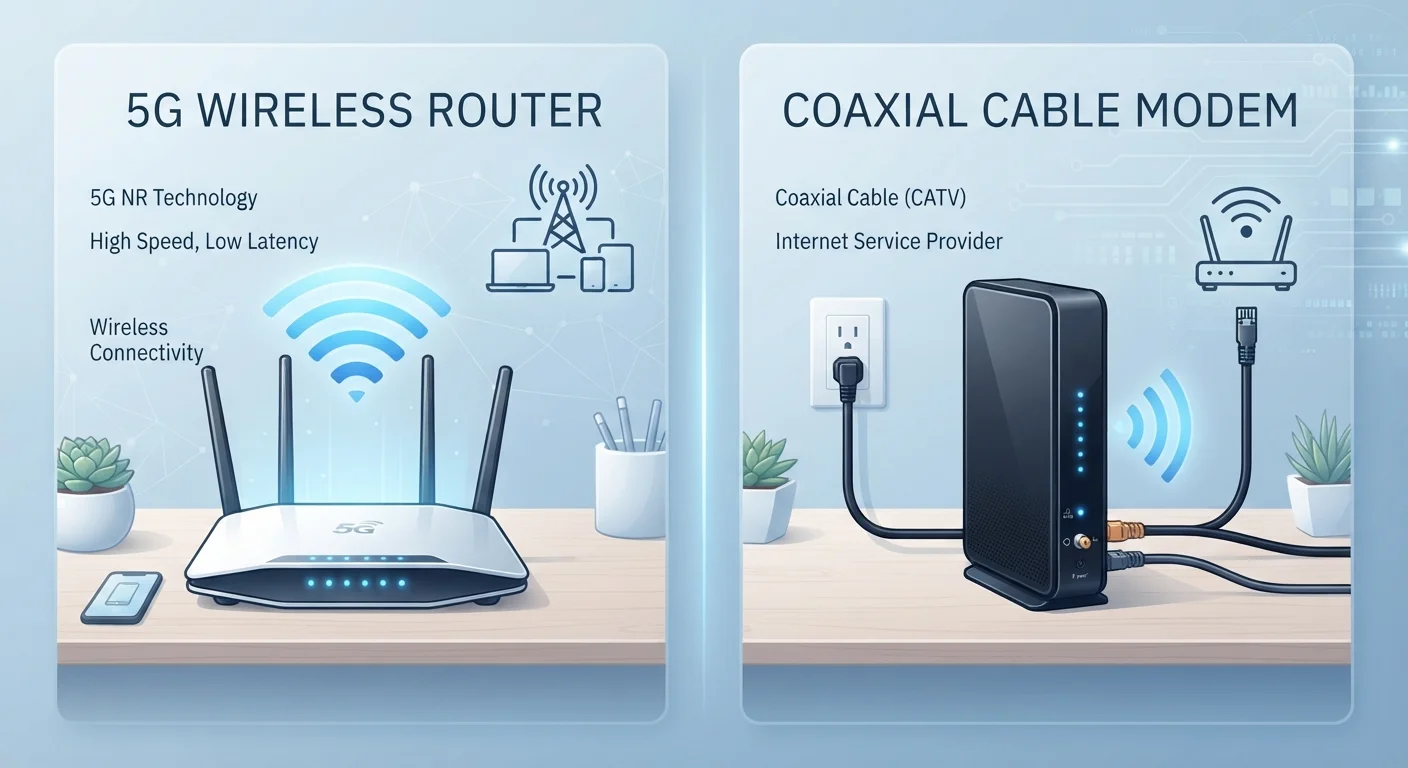
Traditional broadband arrives at your home through a physical cable, either coaxial (cable internet) or fiber-optic. A modem converts that signal into a network your router can distribute. The connection between your home and the provider's infrastructure is dedicated to your building, which is part of why performance stays relatively stable. For a plain-language look at what modems and routers each do, see the difference between a router and a modem.
5G home internet works differently. A gateway device in your home connects to nearby 5G cellular towers the same way a smartphone does, then broadcasts Wi-Fi inside. There is no physical line running from a utility pole to your house. That is the core trade-off: less infrastructure to install, but performance is tied to wireless signal conditions rather than a dedicated physical path.
Speed and reliability under real conditions
| Criterion | 5G home internet | Traditional broadband (cable/fiber) |
|---|---|---|
| Installation | Self-install gateway, no technician | Technician visit usually required |
| Typical download speed | 50 to 300+ Mbps (variable) | 100 Mbps to 1 Gbps+ (more consistent) |
| Latency | 20 to 60 ms typical | 5 to 40 ms (fiber lowest) |
| Reliability under load | Can vary at peak hours | Generally stable |
| Coverage requirement | Strong 5G signal at address | Wired infrastructure on your street |
| Contract flexibility | Often month-to-month | Often 12 to 24-month terms |
| Data caps | Usually unlimited with possible throttling | Varies; cable often has caps |
Advertised speeds for 5G home internet can look comparable to cable, sometimes reaching several hundred megabits per second in areas with dense 5G infrastructure. In practice, speeds vary by time of day, distance from the tower, and how many other cellular users are active in your area. Wireless networks prioritize mobile device users during congestion, so home internet customers may experience slower speeds at peak times depending on the provider's network management policy.
Fiber broadband generally delivers speeds that match its advertised tiers more consistently because the capacity is not shared with mobile users. Cable is more variable than fiber but still more predictable than a wireless signal. Understanding what Mbps and Gbps numbers actually mean can help you judge whether a given plan's specs fit your household's real usage.
Latency: the number most people overlook
Latency measures how long a data packet takes to travel from your device to a server and back, expressed in milliseconds. Lower is better. Fiber typically delivers latency in the 5 to 20 ms range. Cable sits higher, often 15 to 40 ms. 5G home internet latency varies more widely, typically 20 to 60 ms, though mid-band 5G networks have improved this considerably compared to earlier fixed wireless options.
For most browsing and video streaming, the difference is invisible. For video calls, cloud gaming, or anything that requires real-time responsiveness, even moderate latency increases can be noticeable. Knowing what your monthly plan actually includes, including any latency guarantees or traffic management clauses, is worth checking before committing.
Availability and setup
Traditional broadband requires a provider to have wired infrastructure on your street. In urban and suburban areas that is usually a given, but rural addresses often have limited or no cable or fiber options. A broader comparison of connection types covers how each technology reaches different areas.
5G home internet coverage maps are expanding, but the service still depends on 5G tower density. The same address can have full availability according to a provider's website yet still receive weak indoor signal depending on building materials or obstructions. Providers typically let you return the gateway within a trial period if performance is poor at your location, so checking the return policy before ordering is a practical first step.
Check coverage at your exact address
Provider coverage maps show general availability, not signal quality inside a specific building. Before ordering 5G home internet, ask whether the provider offers an in-home trial period. Placing the gateway near an exterior wall or window facing a tower typically improves signal strength, but results at your address may differ from a neighbor's.
Data caps and contract terms
Many traditional cable plans carry data caps, commonly around 1 to 1.2 terabytes per month, with overage fees or speed throttling if you exceed them. Fiber plans are more likely to come without caps, though terms vary by provider. 5G home internet plans have historically marketed themselves as unlimited, but that label can mask network management policies that reduce speeds after a certain usage threshold. Reading the fine print on any plan matters, for both connection types.
Contract length is another variable. Some traditional broadband plans require a one- or two-year commitment to access the lowest monthly rate. Many 5G home internet plans are month-to-month, which offers more flexibility if your needs or address change. For households that already deal with Wi-Fi dead zones regardless of their connection type, see how Wi-Fi extenders, mesh systems, and powerline adapters compare for ways to distribute a signal more evenly once you have a connection.