

Key Takeaways
- A data cap limits total monthly usage, not how fast your connection runs.
- Every device on your network shares the same monthly cap.
- Streaming video and large file downloads consume data the fastest.
- Providers handle overages differently: some slow speeds, others add charges.
- Most providers offer a usage tracker in their app or account portal.
Data cap
A data cap is a limit set by an internet service provider on how much data you can send and receive during a single billing period, usually one month. Once you hit that limit, your provider may slow your connection, charge extra fees, or both. Data is measured in gigabytes (GB) or terabytes (TB), and every device on your home network counts toward the same total.
Data caps apply to total throughput, meaning the combined upload and download traffic across all connected devices. They are distinct from your plan's speed tier, which measures how fast data travels, not how much of it you use.
How data caps work
Your internet plan comes with two numbers that often get confused: speed and data. Speed, measured in Mbps or Gbps, describes how fast data moves across your connection. A data cap is different. It measures the total volume of data that moves through your connection over a billing cycle, regardless of speed. If you want a closer look at what speed numbers mean, see the breakdown of Mbps and Gbps.
Think of it like a water tank. Your speed is how wide the pipe is; your data cap is how much water the tank holds each month. You can fill and drain the tank quickly or slowly, but once it is empty, the rules change.
When you reach your cap, most providers do one of two things. Some throttle your connection, dropping your speeds significantly for the rest of the month. Others charge an overage fee, typically billed per additional block of data, say 50 GB at a time. A smaller number of plans cut service entirely until the next billing cycle. Your provider's specific policy is usually printed in your service agreement.
Caps vary widely by provider and plan
Some plans have no data cap at all, while others set limits as low as 250 GB per month. Business-class internet plans often have different cap structures than residential ones. Always confirm the specific cap and overage policy for your plan, since terms vary and can change at renewal.
What counts against your cap
Every piece of data your household sends or receives counts toward the monthly total. That includes streaming movies and shows, video calls, social media scrolling, software and app updates, online gaming, and cloud backups running in the background. Upload traffic counts too, so large file transfers or frequent video conferencing add up on both ends.
Video streaming tends to consume the most data. A single hour of HD video can use roughly 3 GB. A 4K stream can use 7 GB or more per hour, depending on the service's compression settings. A household with multiple people streaming simultaneously can move through hundreds of gigabytes in a month without realizing it.
1.2 TB
Common monthly data cap from major US providers
Many large US internet providers apply a 1.2 terabyte monthly threshold before overage charges or throttling apply.
~7 GB/hr
Data used by 4K streaming per hour
Streaming one hour of 4K content can consume approximately 7 GB, varying by platform compression settings.
~3 GB/hr
Data used by HD streaming per hour
Standard HD video streaming typically uses around 3 GB per hour, depending on the service and quality setting.
Background processes are easy to overlook. Operating system updates, automatic cloud photo backups, and security software downloads all run without visible prompts. On a household with several computers, phones, and tablets, background traffic alone can account for a meaningful portion of monthly usage.
How to track your usage
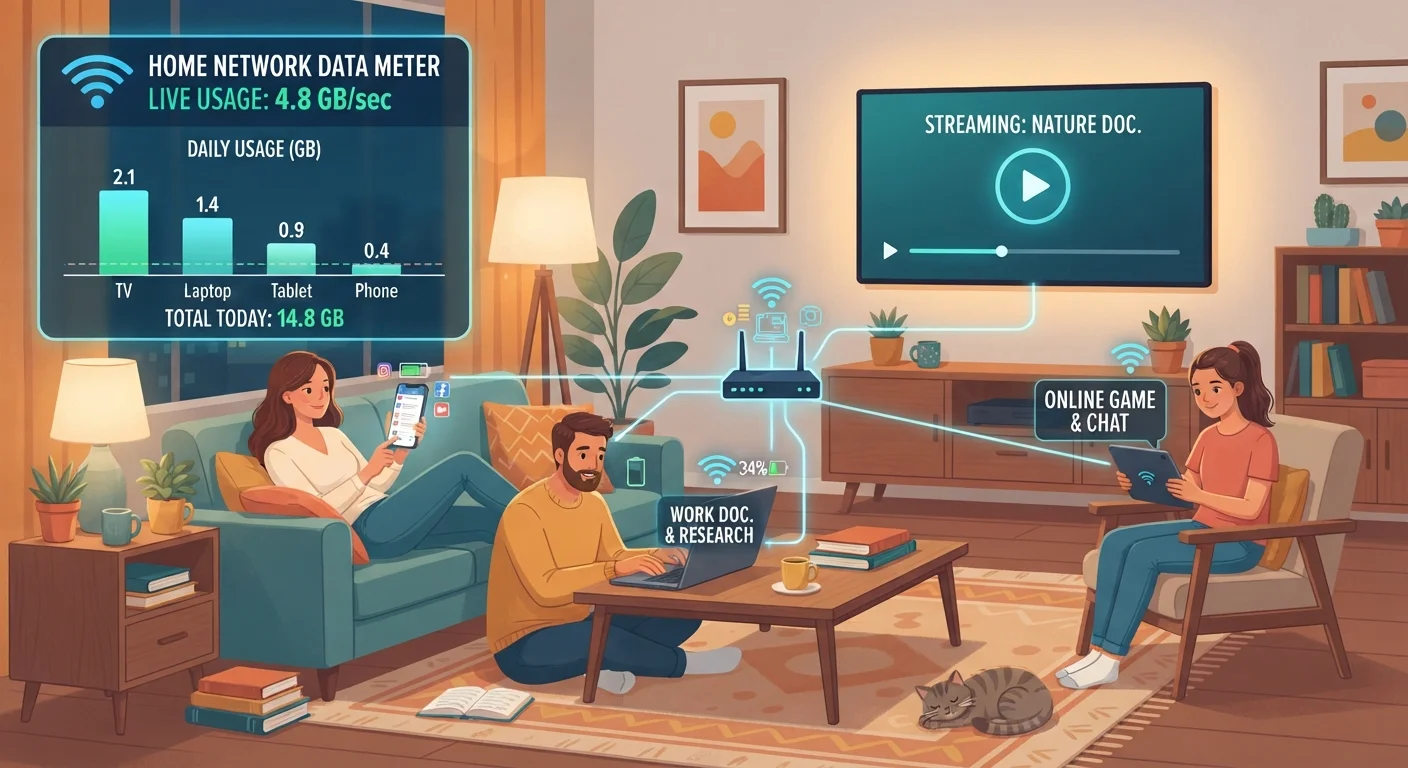
Most internet providers give customers a usage dashboard through their website or mobile app. Checking it once a week gives you a clear picture of where you stand before you approach the cap. Some providers also send email or text alerts at 75% and 90% of usage.
Your home router may also show usage data. Many modern routers display per-device breakdowns, which helps you identify which devices consume the most data. If your router lacks this feature, free network monitoring apps can fill the gap on most platforms.
For a full picture of what you are paying for each month, including how data cap overage charges appear on your bill, the guide to reading your internet bill walks through common line items and what they cover.
When a data cap matters most
Households with light usage, mainly email, basic web browsing, and occasional video calls, may rarely get close to a 1 TB cap. Households with heavy streaming habits, remote workers transferring large files, or multiple simultaneous users are more likely to feel the constraint.
Caps also matter more when the penalty for going over is financial rather than a speed reduction. An overage charge structure can add a variable cost to what most people expect to be a fixed monthly bill. Reviewing your plan terms before you sign, and periodically checking actual usage against your cap, keeps you from being surprised at billing time.
Some plans advertise "unlimited" data but still apply what providers call "network management" policies, which slow speeds after a set threshold. These are sometimes called soft caps. The distinction from a hard cap is worth confirming with your provider before assuming unlimited means unrestricted.