

Key Takeaways
- Incognito mode hides your browsing from other people on the same device, not from your internet provider or the sites you visit.
- The 'nothing to hide' argument misunderstands what privacy protects: it covers financial data, health records, and personal safety.
- HTTPS confirms a connection is encrypted, not that the site or its owner is trustworthy.
- Strong passwords alone do not prevent account takeovers if your credentials appear in a data breach.
- Data brokers can build detailed profiles on you even if you avoid social media.
Why these myths matter
Privacy misconceptions are not just harmless misunderstandings. Acting on bad information can leave your accounts, finances, and personal data exposed in ways that are difficult to reverse. The myths below circulate widely, and each one leads people to skip a precaution they actually need. For a broader look at staying protected, see Your Complete Guide to Staying Safe Online.
Myth
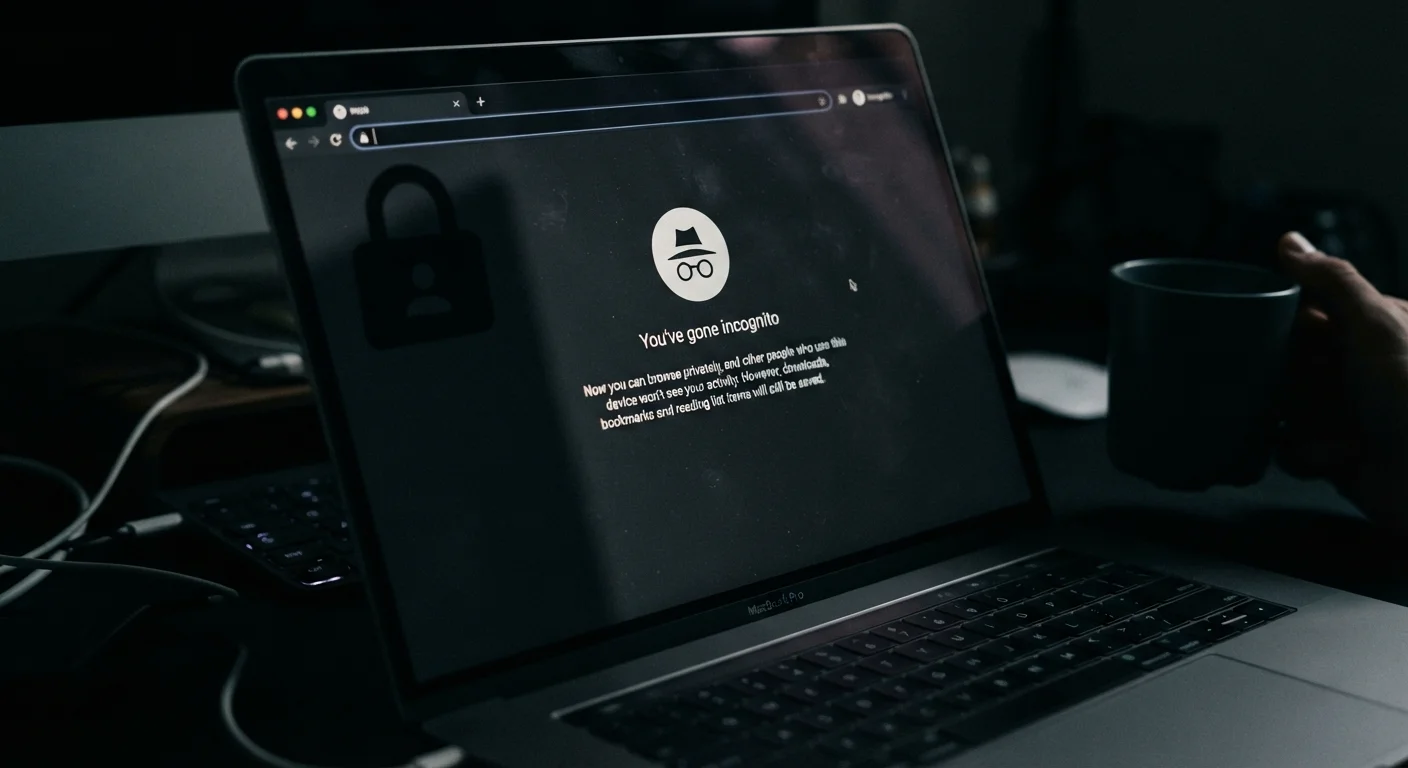
Incognito mode keeps you anonymous online.
Fact
Incognito mode prevents your browser from saving your history, cookies, and form data on your device. It does not hide your activity from your internet service provider, your employer's network, or the websites you visit.
When you open a private or incognito window, the browser discards local session data when you close it. That is useful if you share a device and do not want others to see your browsing history. It does not encrypt your traffic or mask your IP address. Your internet service provider can still see which sites you connect to, and websites still receive your IP address and can track you through other means. For genuine anonymity in transit, a VPN shifts some of that exposure, though it does not eliminate it.
Myth
If you have nothing to hide, you have nothing to fear from data collection.
Fact
Privacy is not about concealing wrongdoing. It covers financial records, health information, location history, and personal communications that can be used to harm, discriminate against, or defraud ordinary people.
The 'nothing to hide' framing treats privacy as relevant only to people with secrets worth keeping. In practice, detailed personal profiles compiled by data brokers or exposed in breaches have been used in targeted scams, identity theft, and discriminatory profiling. Your location history alone can reveal your medical appointments, religious practices, or relationship status. Privacy protects the conditions under which people make decisions freely, which affects everyone regardless of their behavior. See what data brokers collect and why it matters for specifics on how this data gets used.
Myth
A padlock icon and HTTPS mean a website is safe to use.
Fact
HTTPS means the connection between your browser and the site is encrypted. It says nothing about whether the site itself is legitimate, honest, or secure on its own servers.
HTTPS prevents third parties from intercepting data in transit between you and the site. Scammers can and do obtain valid HTTPS certificates for fraudulent websites, so the padlock is not a trust signal for the site's owner or purpose. Before entering personal or financial information, look at the full domain name carefully, check for a privacy policy, and consider whether you arrived at the site through a link you trust. Signs a website is safe before you enter personal info goes deeper on which signals are genuinely meaningful.
Myth
Antivirus software protects you from all online threats.
Fact
Antivirus tools detect and block many types of malware, but they do not protect against phishing, weak passwords, unsecured Wi-Fi, or the data your apps collect and share legally.
Antivirus software is one layer of a broader security posture, not a complete solution. Phishing attacks, for example, trick you into handing over credentials voluntarily: no malware scan catches that. Public Wi-Fi exposes your traffic to interception in ways antivirus cannot address. Public Wi-Fi: what the risks actually are explains the distinction between threats antivirus handles and those it does not. Treating any single tool as comprehensive protection tends to create gaps elsewhere.
Myth
Deleting an app removes all the data it collected.
Fact
Deleting an app removes it from your device. The data the app already sent to the developer's servers typically remains there until the company deletes it, which may never happen automatically.
App data is often stored remotely, shared with third parties, or sold to data brokers well before you decide to uninstall. Under laws like the California Consumer Privacy Act (CCPA), some US residents have the right to request deletion of their data from a company's records, but that right is not universal across all states and requires you to submit a request proactively. common terms in data privacy policies, explained can help you understand what a company's privacy policy actually commits them to doing with your information.
What to do with this information
Correcting these myths is a starting point, not a complete plan. Pairing accurate mental models with concrete habits makes a real difference. Review your social media privacy settings regularly (step-by-step instructions here), and learn which signals actually indicate a trustworthy site before you enter personal information (what to look for).
Password hygiene deserves attention too. A complex password can still be compromised through data breaches and credential stuffing; why strong passwords get compromised explains the mechanics. And if you want to understand who collects your data beyond the sites you visit directly, data brokers: what they collect and what you can do is worth reading.
Public networks expose more than you might expect
Even with HTTPS active, using unsecured public Wi-Fi can expose metadata about your activity and leave your device visible to others on the same network. Avoid logging into financial accounts or entering sensitive information on public networks. For a detailed look at what changes when you are not on your home network, see Public Wi-Fi safety: what changes when you are not on your home network.
Building consistent habits over time matters more than any single fix. Digital security habits worth building from the start covers the practical routines that reduce risk without requiring technical expertise.