

Key Takeaways
- Battery health percentage measures how much original capacity your battery still holds.
- Lithium-ion batteries degrade with every charge cycle, not just from time passing.
- Keeping your phone between roughly 20% and 80% charge slows degradation.
- Heat is the single biggest external factor that accelerates battery aging.
- Most phone makers consider a battery serviceable until it drops below 80% health.
- Built-in charging limits and optimized charging modes can help preserve long-term capacity.
Smartphone battery health
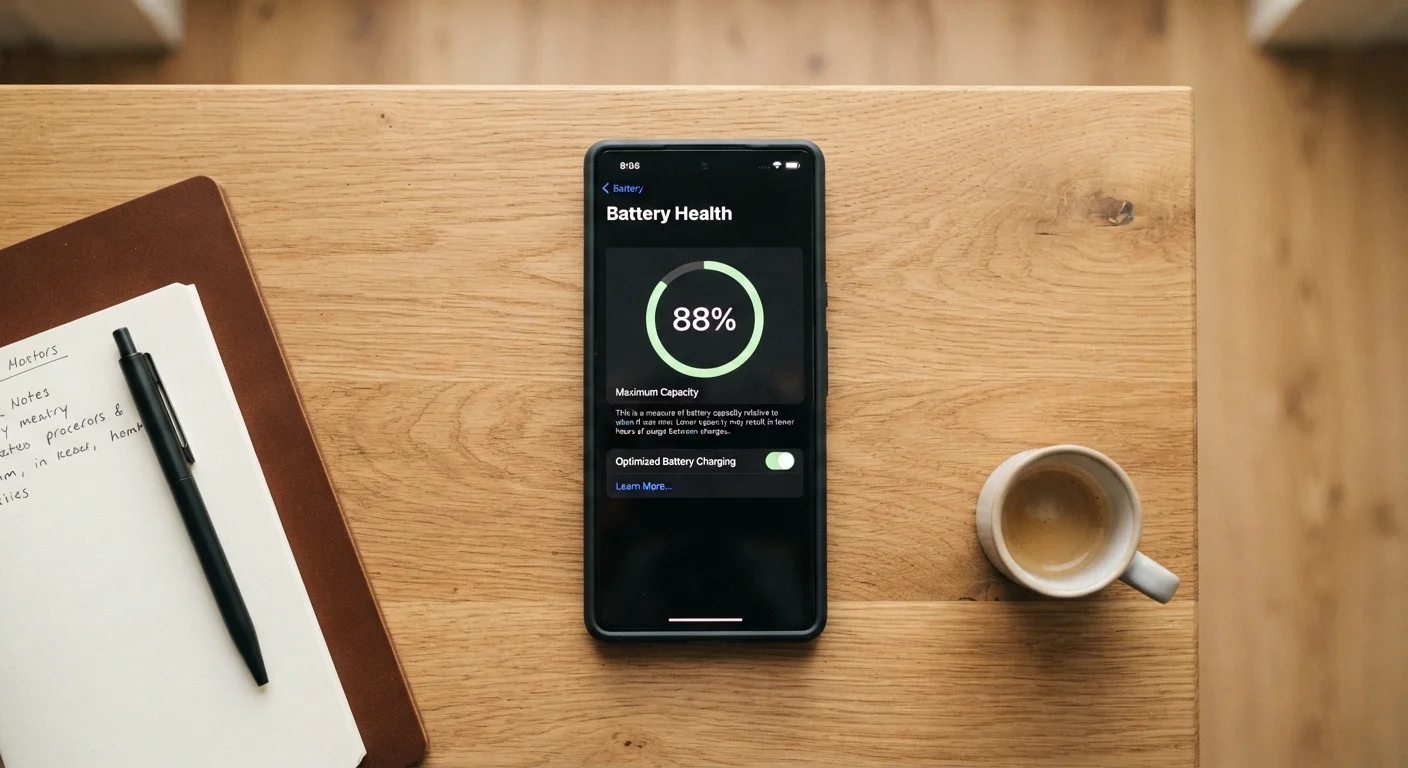
Battery health is a percentage that shows how much charge capacity your phone's battery retains compared to when it was new. A reading of 100% means the battery holds its full original charge. As the battery ages and goes through charge cycles, that number gradually falls. Most phones begin showing noticeable performance effects somewhere below 80%.
Battery health is calculated by comparing the current maximum charge capacity (measured in milliampere-hours) against the battery's rated design capacity. This figure is an estimate, not a precise measurement, and can vary slightly based on temperature and recent usage patterns.
How lithium-ion batteries age
Every smartphone sold today uses a lithium-ion battery. These batteries work by moving lithium ions between two electrodes during charging and discharging. Each time that cycle completes, tiny amounts of electrode material break down and electrolyte compounds change. The battery's ability to hold a full charge shrinks incrementally with every cycle.
Manufacturers typically rate their batteries for a certain number of full charge cycles before capacity drops to 80% of the original. For most phones, that figure sits around 500 full cycles. A full cycle does not mean one charge session: draining from 100% to 0% is one cycle, but so is draining from 60% to 10% twice and then charging back up each time.
Time matters too. Even a phone left in a drawer without being used loses some capacity after a year or two, because lithium-ion cells undergo slow chemical changes regardless of use. Both cycle count and calendar age contribute to the reading you see in your battery health screen.
Use your phone's built-in charging limit
If your phone offers an option to cap charging at 80% or to use an optimized charging schedule, turning it on costs you nothing in daily effort. The battery spends less time under the chemical stress of a full charge, which slows the rate at which health falls over months and years.
What the percentage is actually telling you
When your phone reports 87% battery health, it means the battery can now hold only 87% of the charge it was designed for. If the original capacity was 3,500 milliampere-hours (mAh), the effective capacity is now about 3,045 mAh. You will run out of charge faster, but the phone itself is not broken.
The reading is an estimate produced by the phone's battery management system, which monitors voltage and temperature over time to model capacity. It can drift slightly depending on recent conditions, so a single reading is best treated as a general indicator rather than a precise measurement.
Some phones tie performance management to battery health. When capacity falls enough that the battery can no longer deliver the peak power a fast processor demands, the system may cap processor speed to prevent unexpected shutdowns. This is worth knowing because a sluggish phone is sometimes a battery issue, not a hardware failure.
Charging habits that affect how fast health falls
The two factors most within your control are the charge level you maintain and the heat your phone is exposed to during charging.
Charge range: Lithium-ion cells experience the least chemical stress when they sit between about 20% and 80% charge. Holding the battery at full charge (100%) for long periods, or routinely draining it to near zero, both accelerate degradation. Neither extreme is catastrophic in isolation, but the cumulative effect over months adds up. Many phones now include a setting to cap charging at 80% or to use an optimized schedule that avoids prolonged time at 100%. These features exist precisely because battery engineers know the cost of sitting fully charged.
Heat: Heat is the biggest external accelerant of battery aging. Charging generates some heat on its own; fast charging generates more. A phone left in direct sunlight, placed face-down on a wireless charger while running a game, or tucked under a pillow overnight will consistently run warmer than one left on a hard surface in open air. Over time, that repeated heat exposure measurably reduces capacity faster than charge cycles alone.
Cold temperatures reduce performance temporarily but do not cause permanent degradation the way heat does. A battery that feels sluggish in very cold weather typically recovers when it warms back to room temperature.
For a clear-eyed look at the claims that circulate about charging practices, the common phone charging myths article covers which habits are worth changing and which are not.
Built-in tools worth using
Phone operating systems have added battery management features that do real work. Optimized charging (called that on iPhones and available under similar names on many Android devices) learns your daily routine and holds the charge at 80% until shortly before you typically unplug. This reduces the time the battery spends at maximum charge without requiring any manual effort.
Some phones also offer a hard cap option that stops charging at 80% entirely, permanently. This trades full daily capacity for slower long-term degradation, which makes sense for users who rarely need a full charge and want to keep the phone longer.
Checking your battery health periodically, perhaps every three to six months, gives you a baseline and lets you notice if degradation is happening faster than expected, which sometimes points to a specific habit like leaving the phone in a hot car regularly.
If your battery health has already dropped below 80% and the shorter runtime is affecting your use, battery replacement is an option worth considering. It is a smaller repair than replacing the whole phone, and the cost varies by device and service provider. For general guidance on keeping your phone running well, the phone storage article covers another common area where small habits make a measurable difference.